You finish up a great meeting with a new client, type out a detailed quote, and hit send. Two days go by. Crickets. You finally call them to follow up, and you hear the six words every business owner hates: "Oh, it went to my junk folder."
If you're using a custom domain (like [email protected]) and your emails are landing in spam, it usually isn't because of what you wrote. It's because your domain is missing its digital ID cards.
The Great Google & Yahoo Update
In the last couple of years, massive email providers like Gmail and Yahoo got completely fed up with phishing scams. They updated their algorithms with a very strict, zero-tolerance policy. Today, if your domain doesn't clearly prove that you are the one actually sending the email, Google assumes you are a scammer and tosses your message straight into the spam abyss.
To prove your identity, you need to add three specific records to your domain's DNS settings. It sounds like technical jargon, but here is exactly what they do:
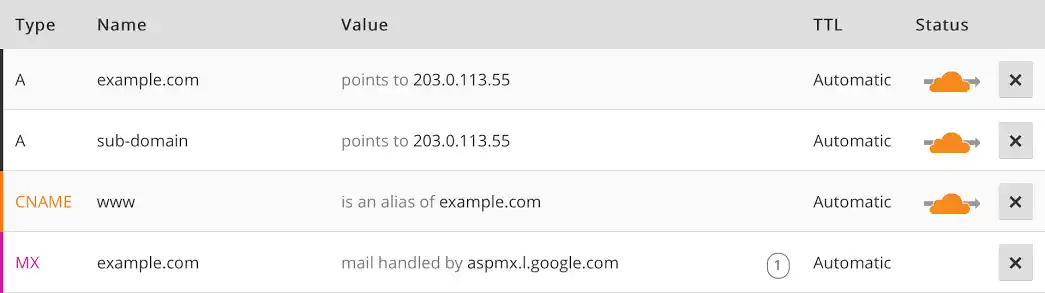
If your DNS records are empty or misconfigured, email providers will reject your messages.
1. SPF (The Guest List)
SPF stands for Sender Policy Framework. Think of it as a VIP guest list for your domain. When an email arrives at a client's inbox, their server checks your SPF record to see if the computer that sent the email is on the list. If you use Microsoft 365, but your SPF record doesn't mention Microsoft, the bouncer kicks your email to the curb.
2. DKIM (The Wax Seal)
DomainKeys Identified Mail is a digital wax seal on your email. It adds a hidden cryptographic signature to every message you send. When your client's inbox receives it, it checks the seal. If it's broken or missing, it means the email was tampered with (or faked) along the way. Straight to spam.
3. DMARC (The Security Guard)
DMARC is the final piece of the puzzle. It tells the receiving server exactly what to do if an email fails the SPF or DKIM checks. Without a DMARC policy in place, Google will actively penalize your sender reputation.
How to Check Your Email Health Right Now
You don't need to guess if you have this setup correctly. The easiest way to check is to use a free tool like MxToolBox or Mail-Tester. Just copy the unique email address they give you, send a test email to it from your business account, and review your score.
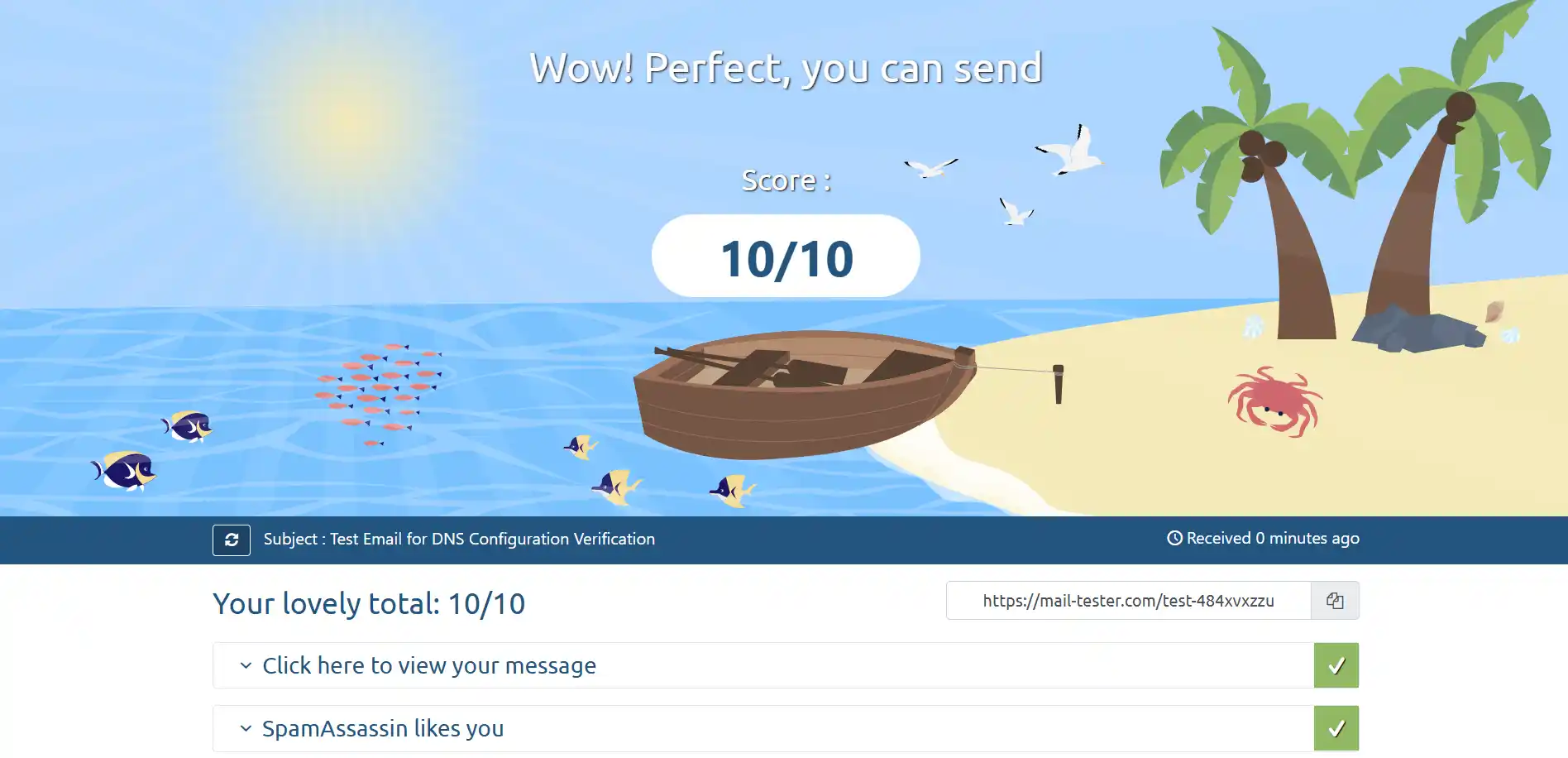
Getting a 10/10 score means your SPF, DKIM, and DMARC are fully optimized.
Don't Want to Deal With It?
Logging into your domain registrar and messing around with TXT records and cryptographic keys is stressful. One wrong typo in a DNS record can accidentally take your entire website offline.
If you just want your emails to work, this is exactly what we handle through our Managed IT Support services. We audit your domain, generate the correct security keys, and lock down your email infrastructure so your quotes actually reach your clients.